GPU cards or a complete AI server?
Choose the right unit of purchase before comparing prices. A PCIe card, an accelerator module and a populated server are very different orders.
Start with the machine you will run it in
If you already operate a suitable server, adding a qualified GPU can be the most direct upgrade. If you are starting from an empty rack, a complete system gives you a bill of materials to assess as one purchase: GPUs, CPUs, memory, storage, networking and support.
The deciding question is not simply how much GPU memory you can buy. It is whether the equipment will fit, receive enough power, stay within its thermal limits and run the software your team needs. Establish those requirements before choosing between a card and a server.
Three different things sold as “AI hardware”
| Purchase | What it means for your order |
|---|---|
| PCIe GPU | An add-in card for a compatible host. Check card length, slot width, auxiliary power, airflow and OEM qualification. A workstation card and a passive server card are not interchangeable by default. |
| SXM or OAM module | An accelerator for its matching baseboard and server platform. It is not a standard PCIe card. A module price does not include the host needed to operate it. |
| Complete server | A specified GPU population plus the host components. “Supports eight GPUs” describes capacity; only the bill of materials establishes how many are included. |
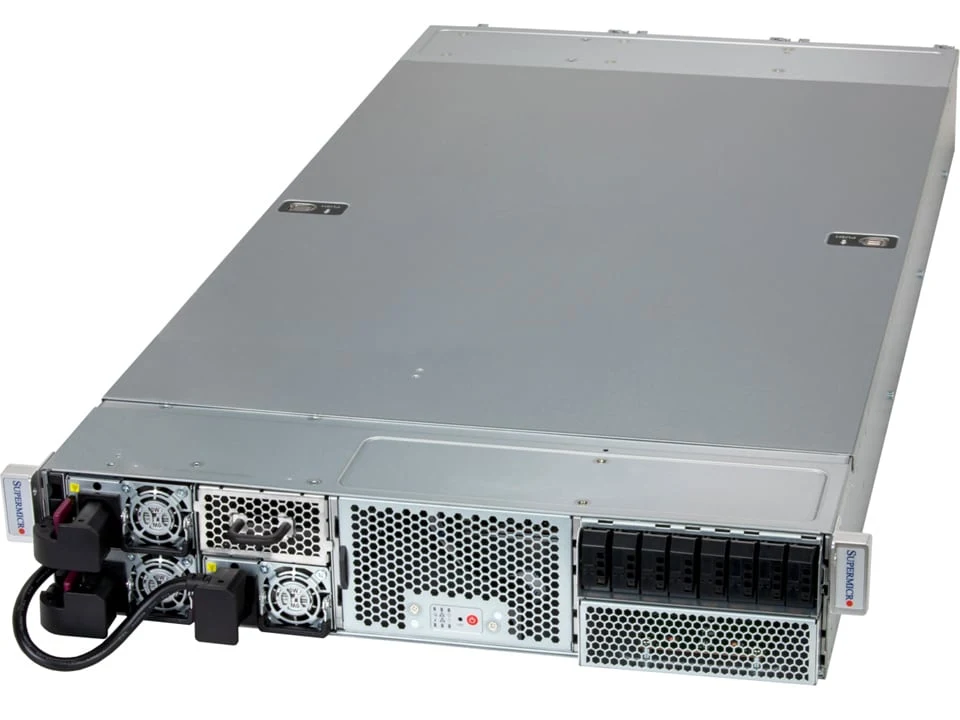
For example, our Supermicro Gold Series reference has two RTX PRO 6000 Server GPUs, although the chassis can support a larger GPU population. That distinction changes both the price and the usable configuration.
Write down the workload before the parts list
Record the models or applications, precision, target concurrency and expected data volumes. Separate development and inference requirements from training. Ask your software team which GPU architecture, driver and framework combinations they have validated.
Memory per accelerator and aggregate memory across the server answer different questions. Eight devices with 80GB each do not automatically behave like a single 640GB card. Application distribution and communication between devices still matter. Likewise, DGX Spark’s unified system memory should not be compared directly with the dedicated memory of a discrete GPU.
Ask for a workload benchmark where performance is commercially important. A specification table can narrow a shortlist; it cannot establish your application’s throughput, latency or total capacity.
Match the system class to your environment
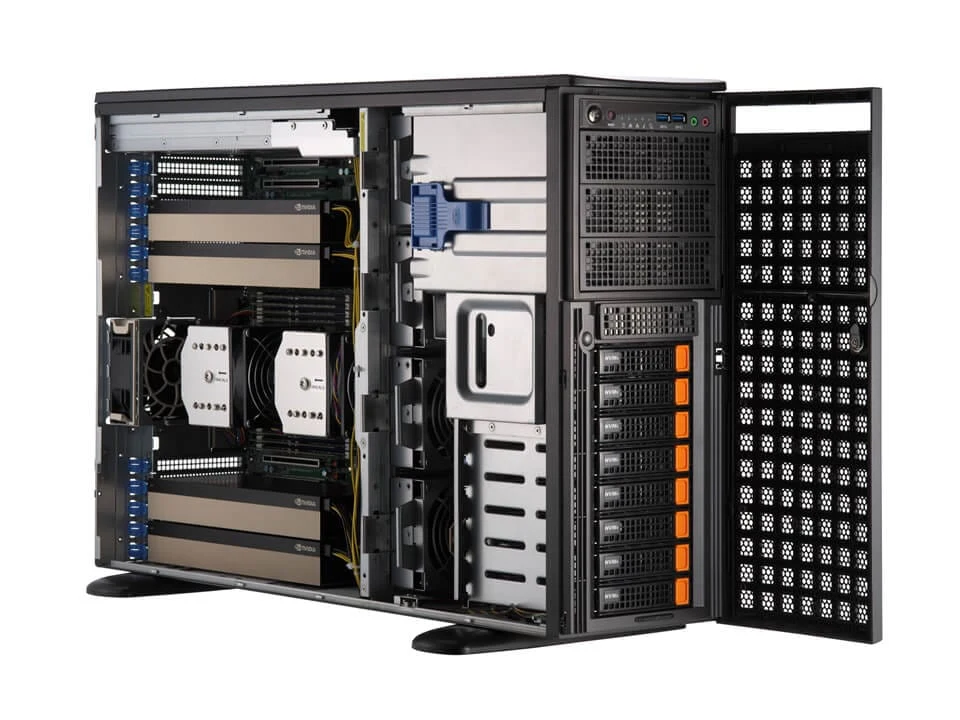
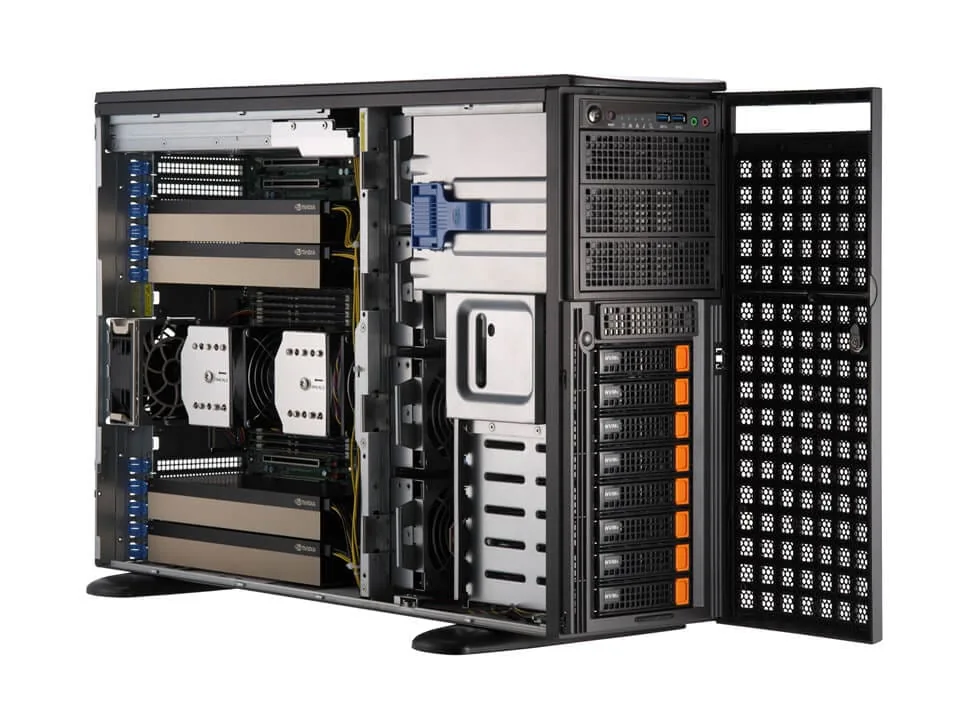
A tower can suit a local development team that needs one or two professional cards. Check acoustics, room ventilation and electrical supply: a server-class tower is not automatically an office-quiet workstation. A compact rack server makes sense when you need a small qualified GPU population in an existing rack.
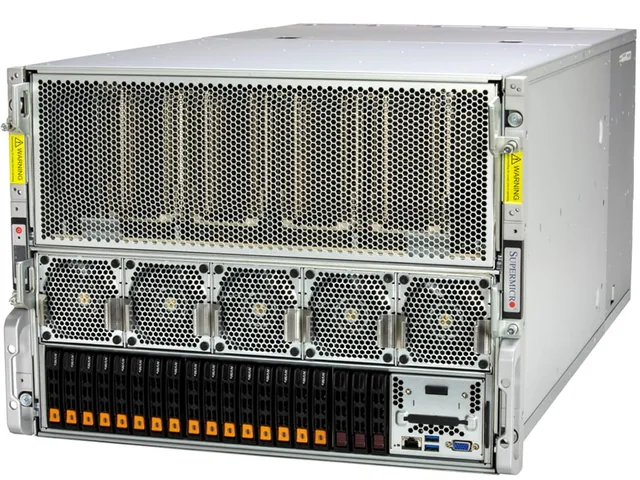
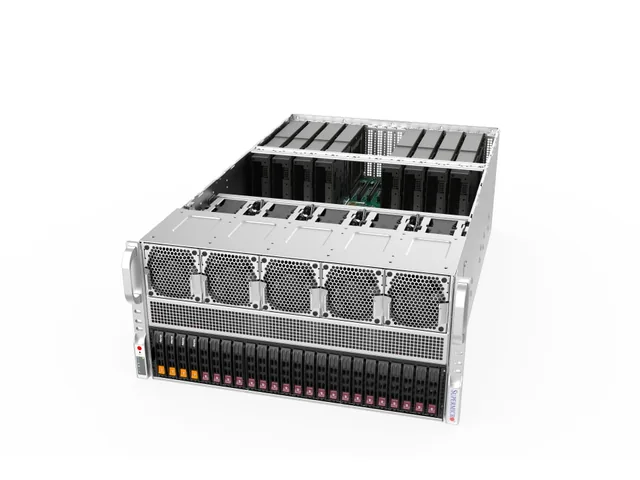
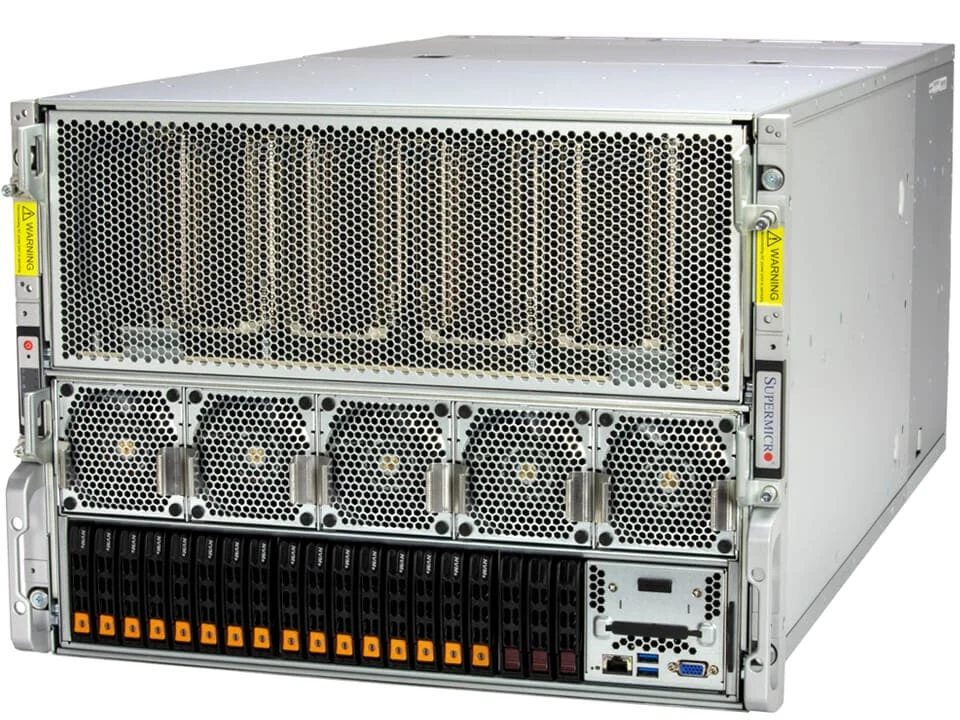
For an integrated eight-accelerator platform, price the entire deployment. Include rack space and depth, rails, electrical feeds, cooling, storage and network adapters. Decide who will install it, own firmware changes and handle a failed component.
Use the catalogue’s GPU-family, chassis-size and cooling filters to narrow the options. Then request a configuration with an explicit installed GPU count, rather than the maximum printed on the chassis specification.
What to put in the enquiry
- Application or model, required software stack and target workload.
- Preferred GPU family, memory per GPU and installed quantity.
- Existing host model, or the CPU, RAM and storage required in a new system.
- Rack or office environment, available power and cooling.
- Destination, required delivery date, condition preference and support requirement.
If a specific part number is mandatory, include it. If there is room to substitute an equivalent configuration, say which requirements are fixed and which can change.
Sources & further reading
Manufacturer specifications and purchasing references. Exact supplied configurations require confirmation.
- NVIDIA H200: PCIe NVL and SXM platforms ↗
- AMD MI300X platform requirements ↗
- Supermicro Gold Series reference configuration ↗
Sources checked 29 September 2026.