Buying an air-cooled H100 or H200 server
Compare the GPU topology, populated system and installation requirements. The headline accelerator name is only the first line of the specification.
Choose the GPU platform first
H100 and H200 appear in different hardware formats. In this catalogue, H100 SXM systems use 80GB per GPU, H100 NVL cards use 94GB, and H200 configurations use 141GB. Keep the exact format in the comparison: a PCIe card price and an eight-GPU HGX system price describe different purchases.
For a training or inference deployment that depends on several GPUs working together, confirm the complete GPU interconnect topology. Ask for the actual platform and populated configuration, including any required bridges or switch fabric, rather than accepting “eight GPU slots” as a substitute.
Air-cooled systems in the catalogue
| System | Listed GPU platform | Chassis |
|---|---|---|
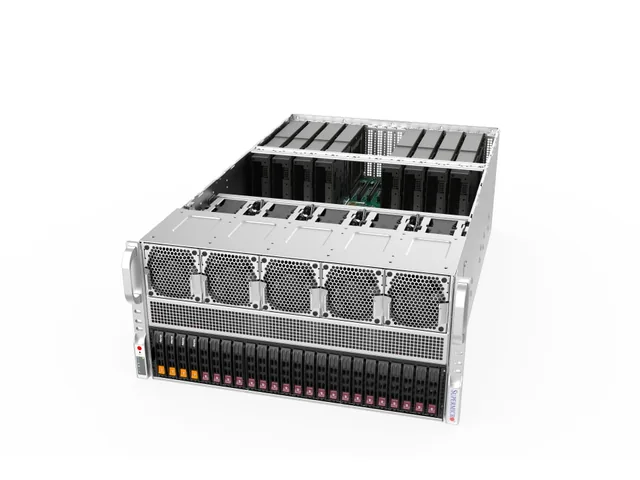
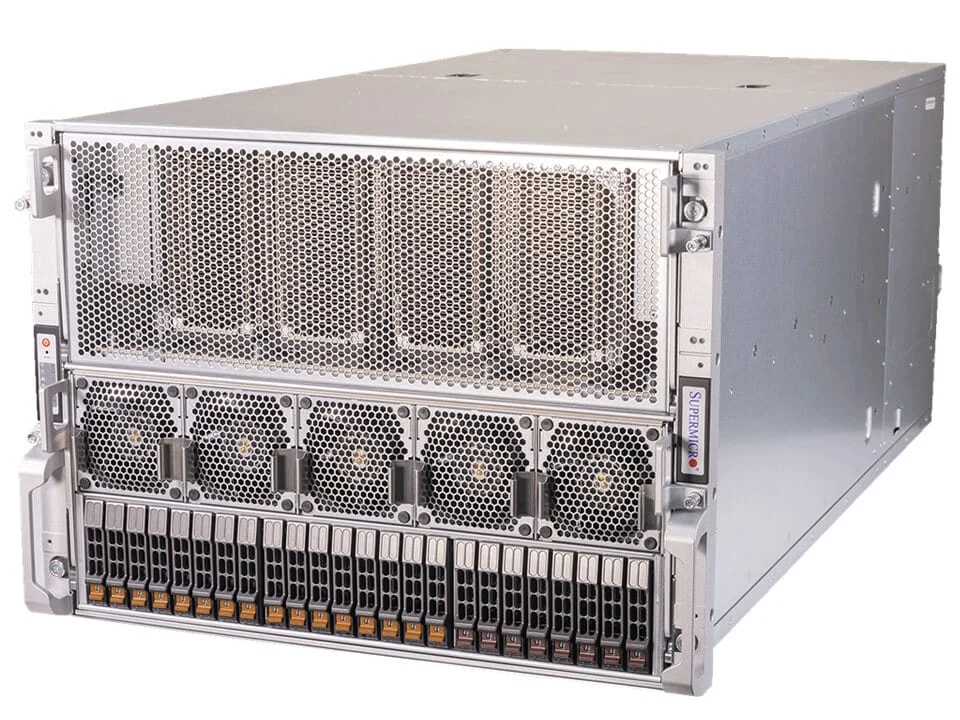
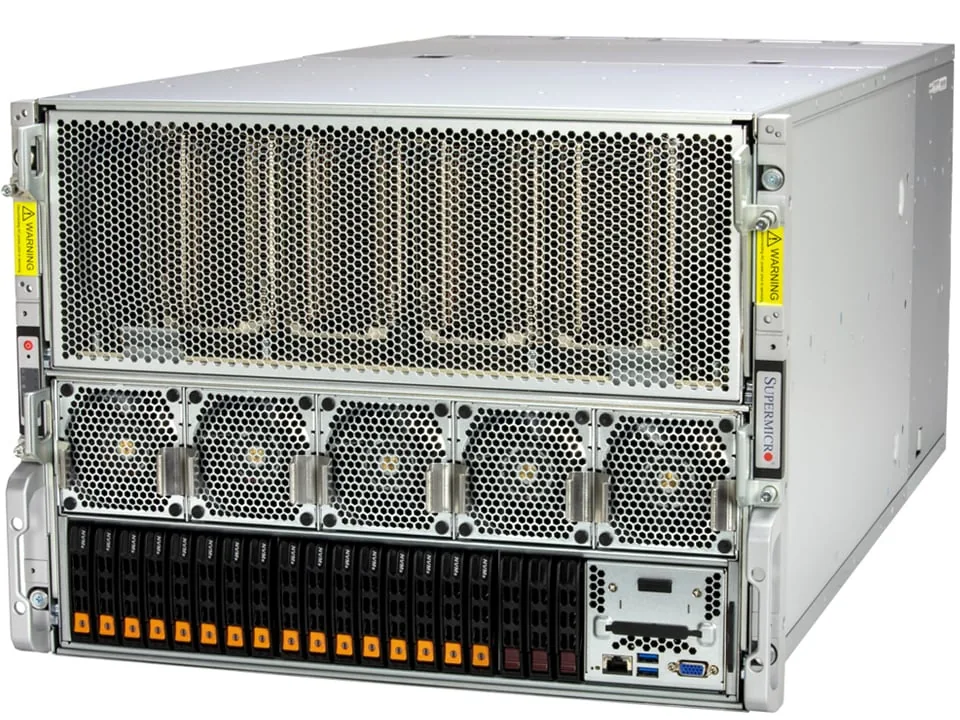
| Supermicro SYS-821GE-TNHR | 8 × H100 or 8 × H200; separate configurations | 8U |
| Supermicro AS-8125GS-TNHR | 8 × H200 with AMD EPYC CPUs | 8U |
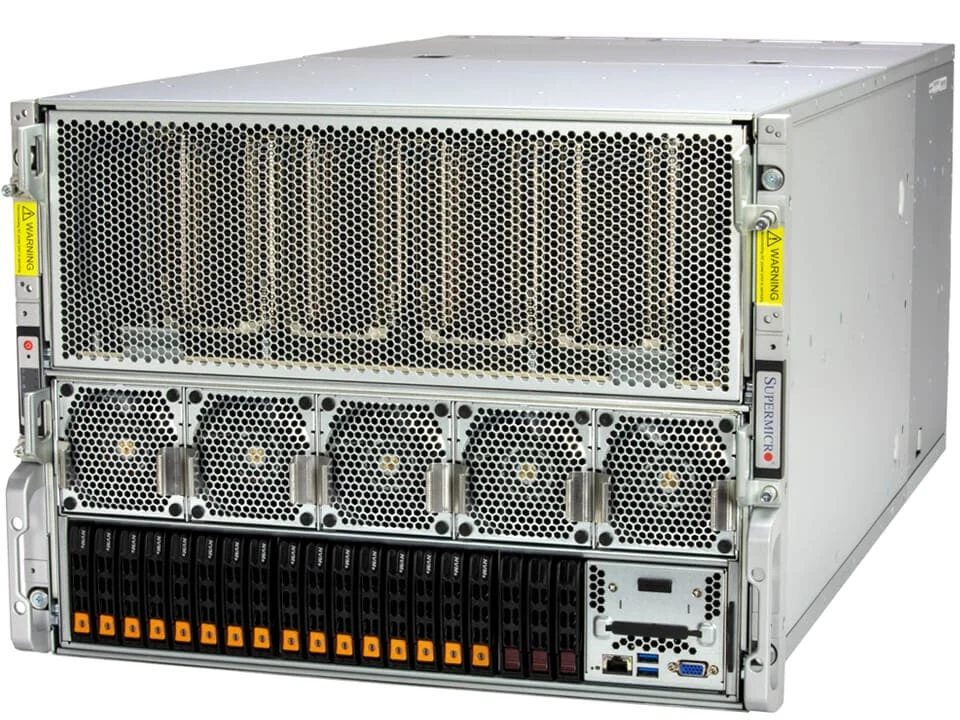
| Dell PowerEdge XE9680 | 8 × H100 or 8 × H200; separate configurations | 6U |
| HPE ProLiant Compute XD685 | Air-cooled 8 × H200 configuration | 6U |
Our equipment price ranges, excluding VAT. Each range states its configuration.
Check the room as carefully as the server
“Air-cooled” describes how the equipment removes heat. It does not mean that an ordinary room can absorb the load. Give your facilities team the exact configuration and ask them to confirm the installation against the manufacturer’s electrical and environmental requirements.
- Rack depth, rail compatibility, equipment weight and service access.
- Electrical feeds, connectors, power distribution and the intended redundancy mode.
- Airflow direction, permitted inlet temperature and room heat rejection.
- Delivery access, lifting equipment and the plan for installation.
Do not use the sum of PSU nameplate ratings as measured system consumption. Obtain the OEM’s configuration-specific planning information. Keep external networking, storage and other rack equipment in the facility budget as well.
Compare the complete bill of materials
Start with the installed accelerators and their format. Then align CPU generation and model, installed RAM, boot and data storage, network adapters, cables and support. A server with a small memory configuration and basic Ethernet should not be compared directly with a populated training node carrying multiple high-speed adapters.
Our price guide shows our equipment price ranges in euros excluding VAT, with the configuration included in each range. Send us your specification and quantity for a quotation covering your requirements.
Agree the acceptance checks
Before ordering, define the checks that demonstrate the supplied system matches the purchase: serial and component inventory, GPU visibility, reported memory, storage and network enumeration, firmware baseline and a workload test agreed with your team.
Confirm who performs those checks, what results you receive and how discrepancies are handled. Ask who provides hardware support, the service territory and the replacement process. Those details make two apparently similar systems much easier to compare.
Sources & further reading
Manufacturer specifications and purchasing references. Exact supplied configurations require confirmation.
- NVIDIA H100 product family ↗
- NVIDIA H200 product family ↗
- Supermicro SYS-821GE-TNHR specifications ↗
- Dell PowerEdge XE9680 ↗
- HPE XD685 product family ↗
Sources checked 29 September 2026.